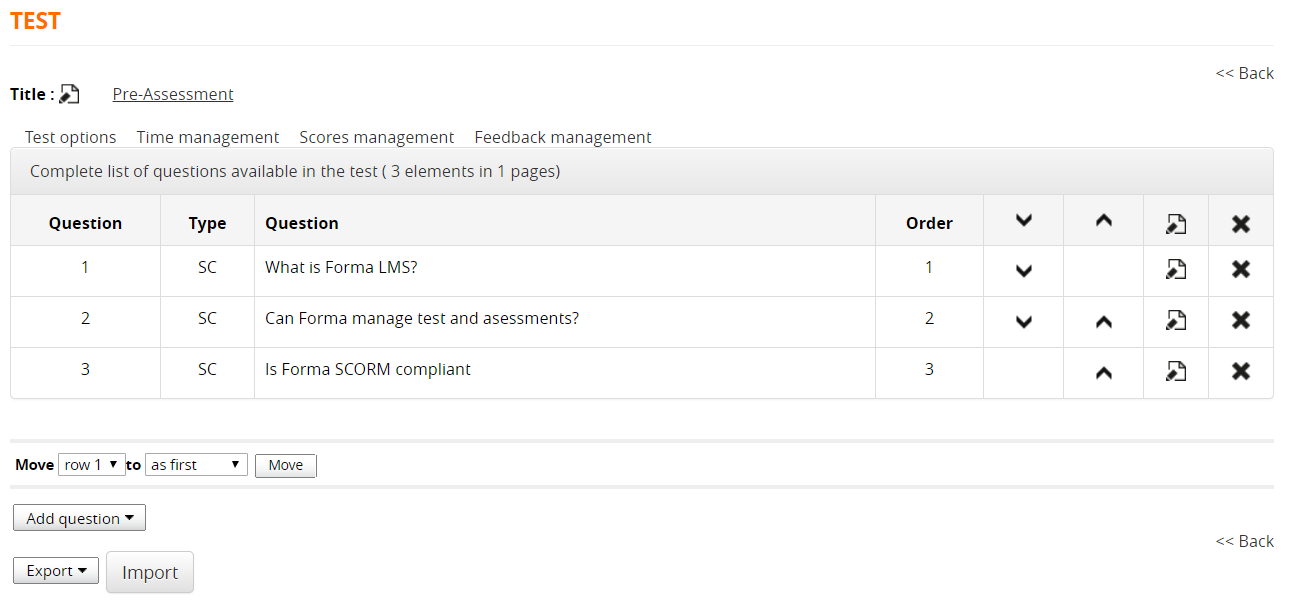
Test Questions
Manage Questions
Insert/Edit Questions
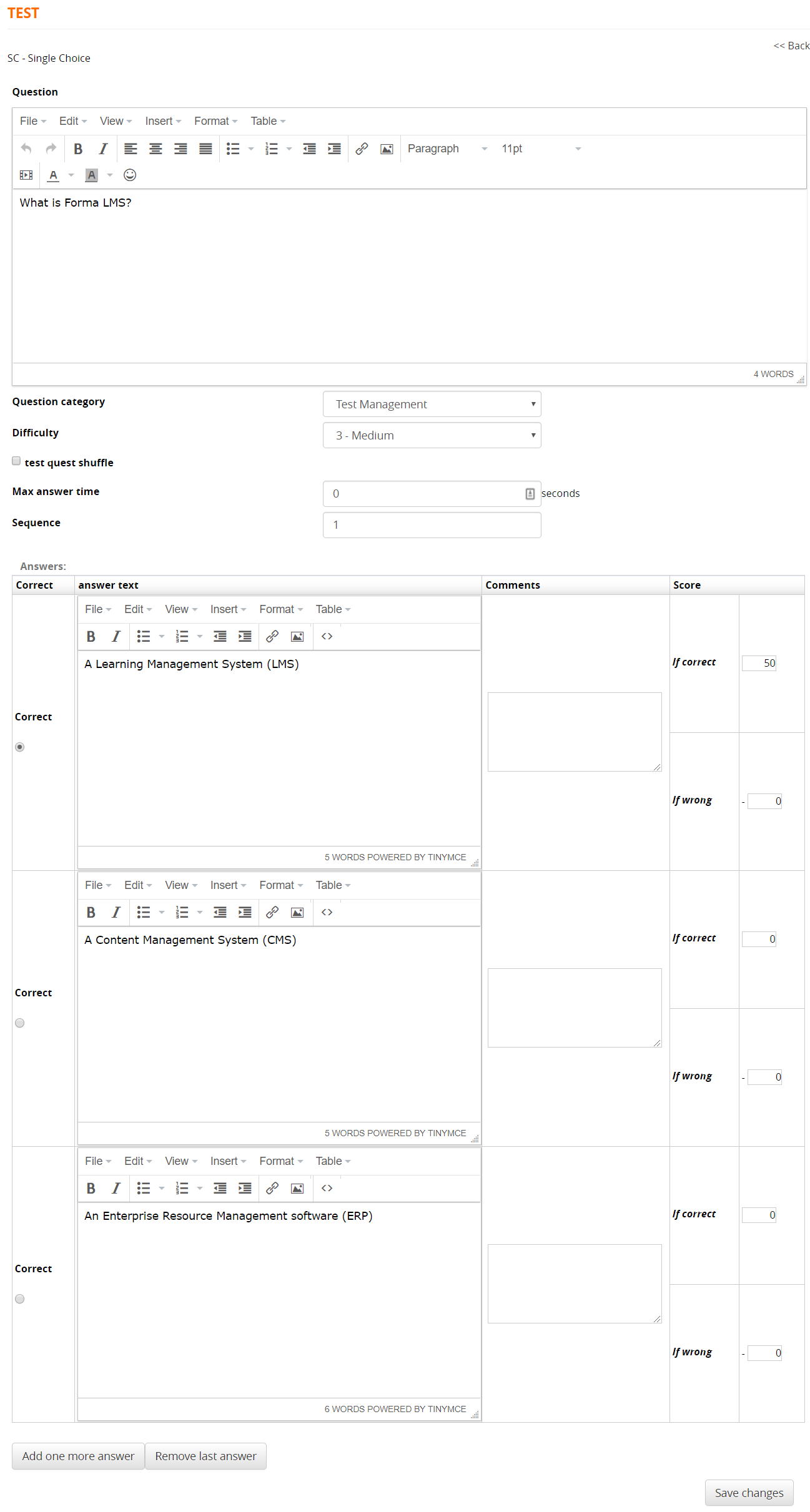
Question Category: Select a category for this question. It will be possible to calculate category scorse for each test compiling. Categories ar globally defined for the whole platform in backend question category configuration
Difficulty: set a difficulty level that can be uses to automatically weigh scores calculation.
Question Types
This is the list of the available question types and test elements:
SC - Single Choice
MC - Multiple Choice
ET - Extended Text
TE - Text Entry
IC - Inline Choice
HT - Hot Text (Find the wrong term)
UP - Uload File
AS - Association
TE - Title
BR - Page Break
Test Options
Test display options
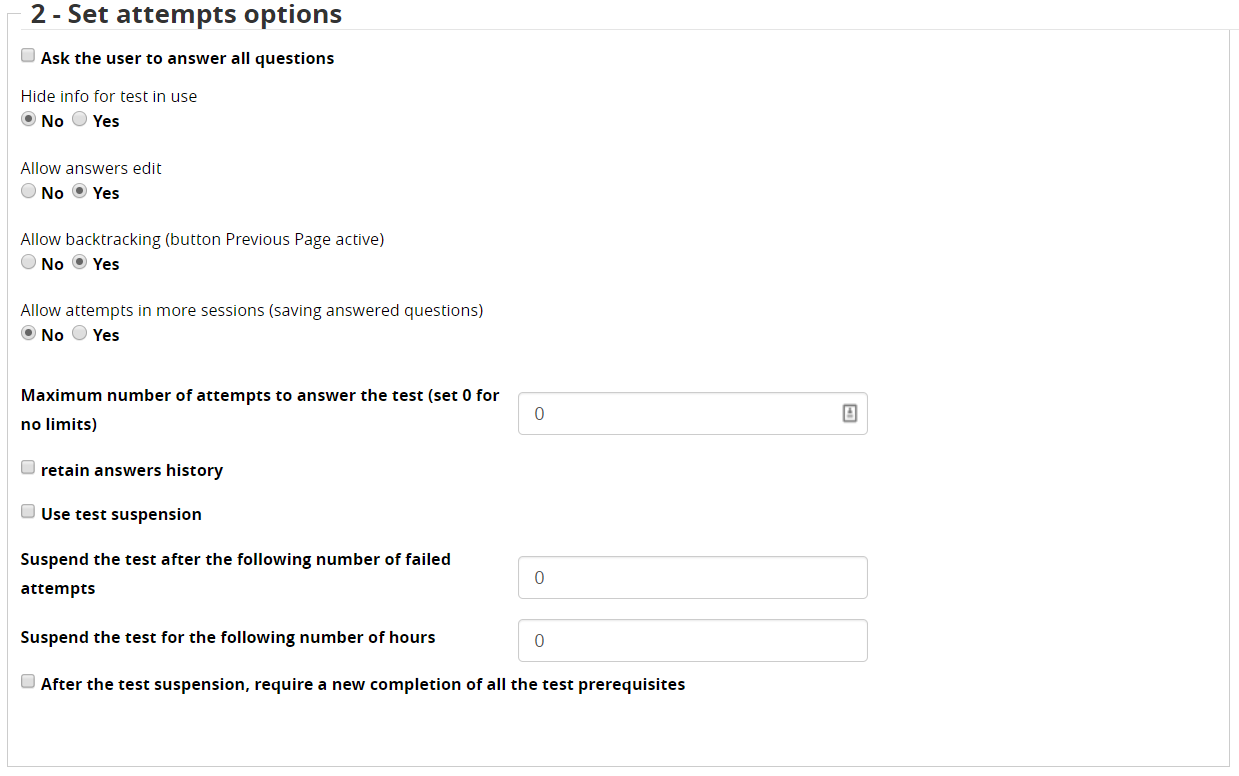
Attempts settings
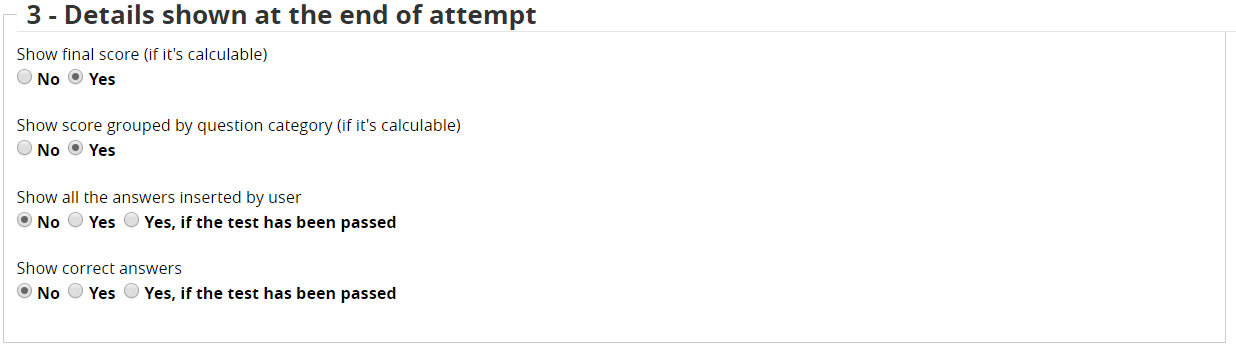
Results page settings
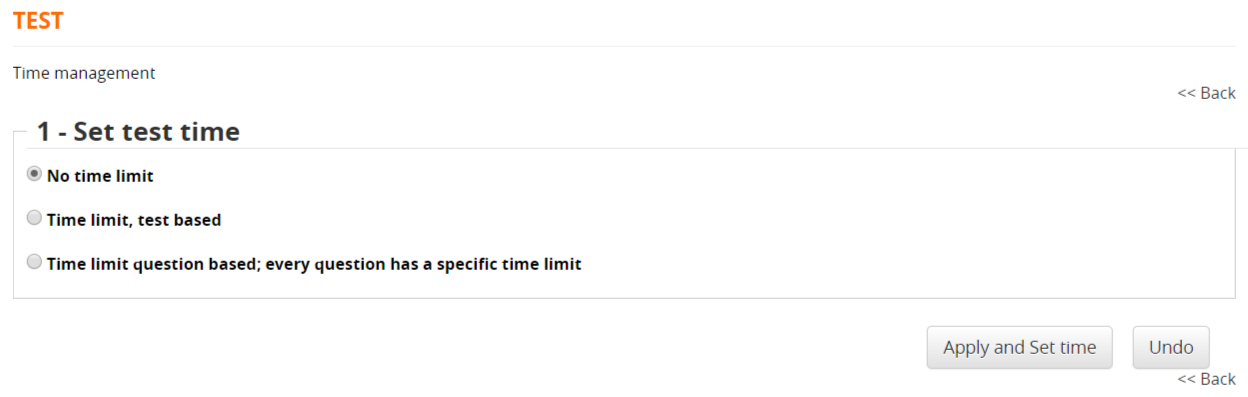
Time Management
Score Management
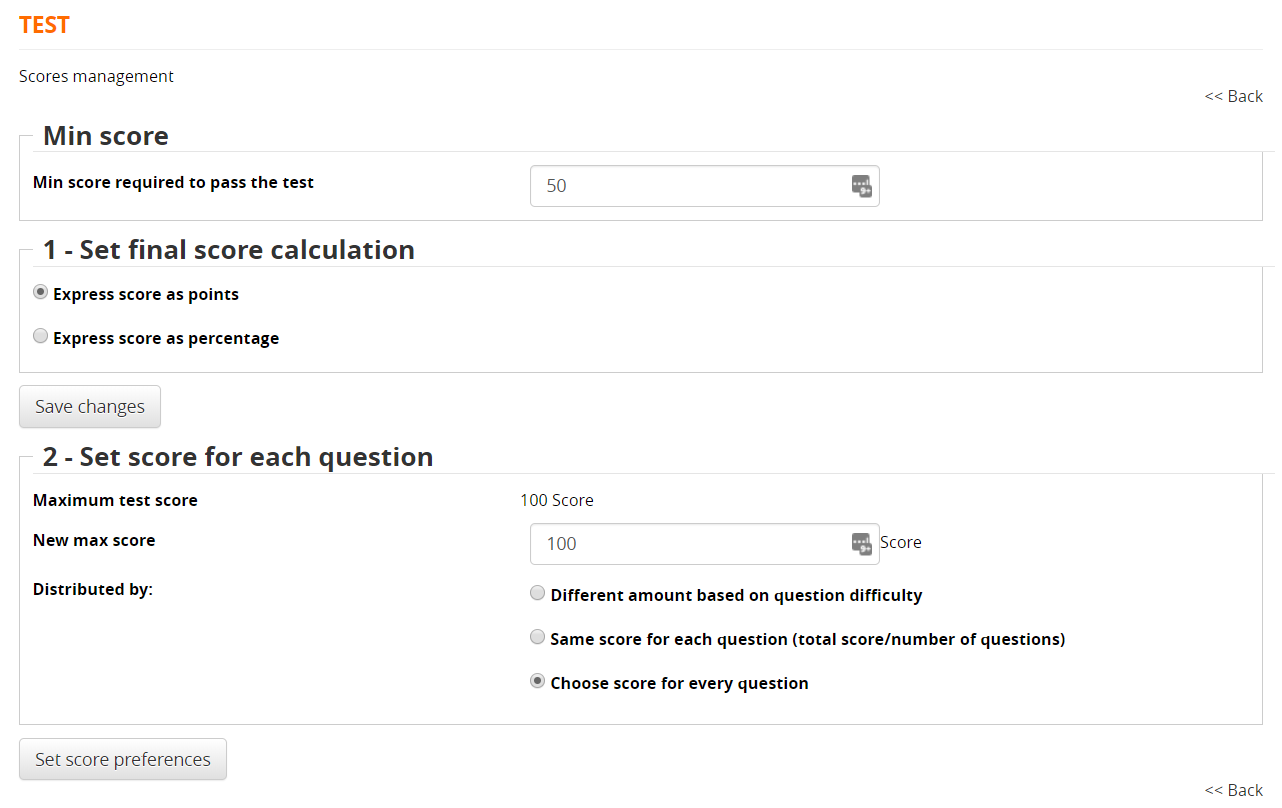
- A required score for the test to be considered as "passed"
- Grading by marks or percentage
- Set score per individual question
- Resetting the maximum score
- Dividing the maximum score by question, evaluated according to the difficulty level assigned to the question, score assigned to individual questions
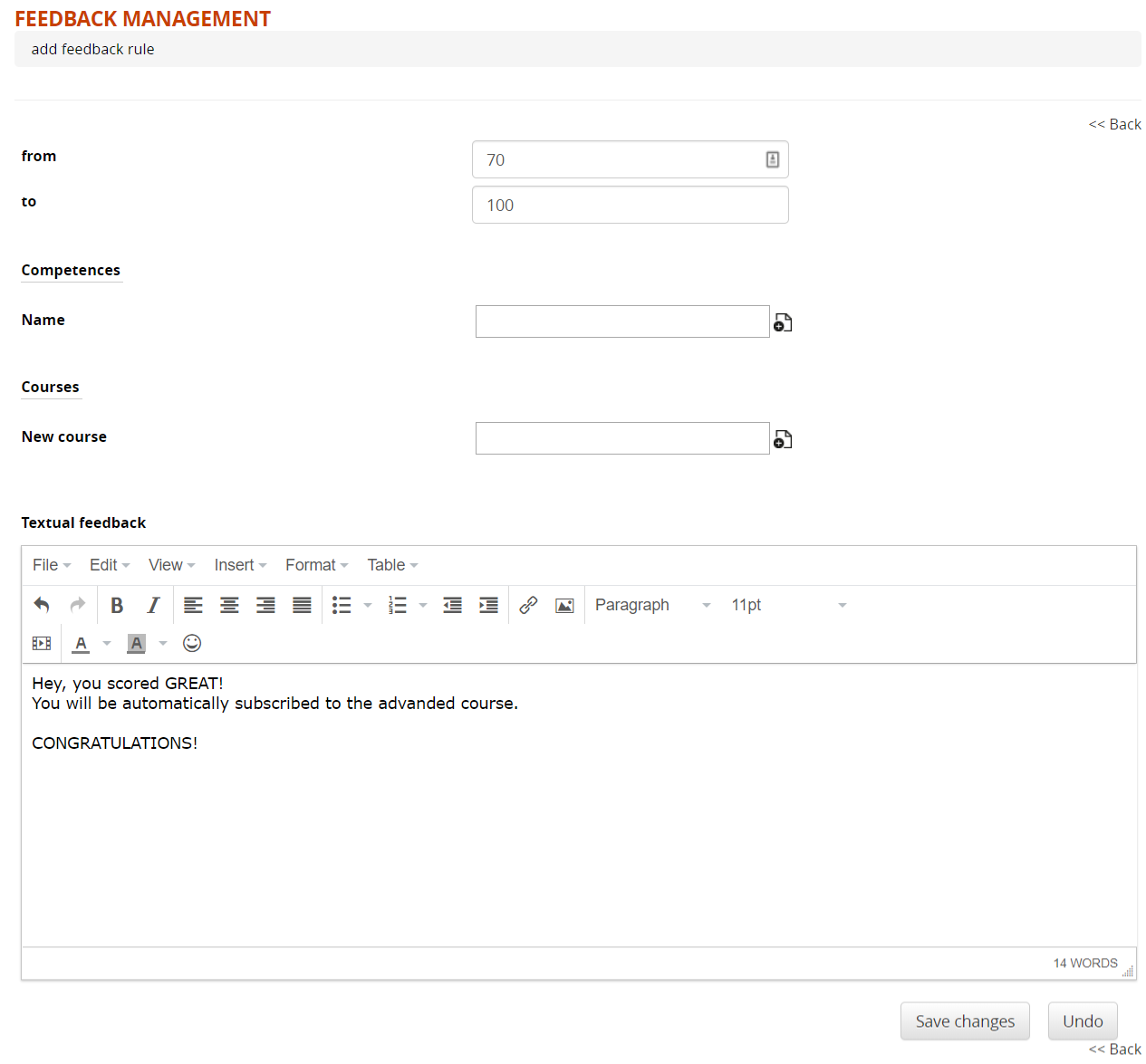
Feedback Management
- Possibility of assigning textual feedback according to the score attained
- Possibility of assigning the achievement of a competency
- Subscription to a specific course depending on the result.
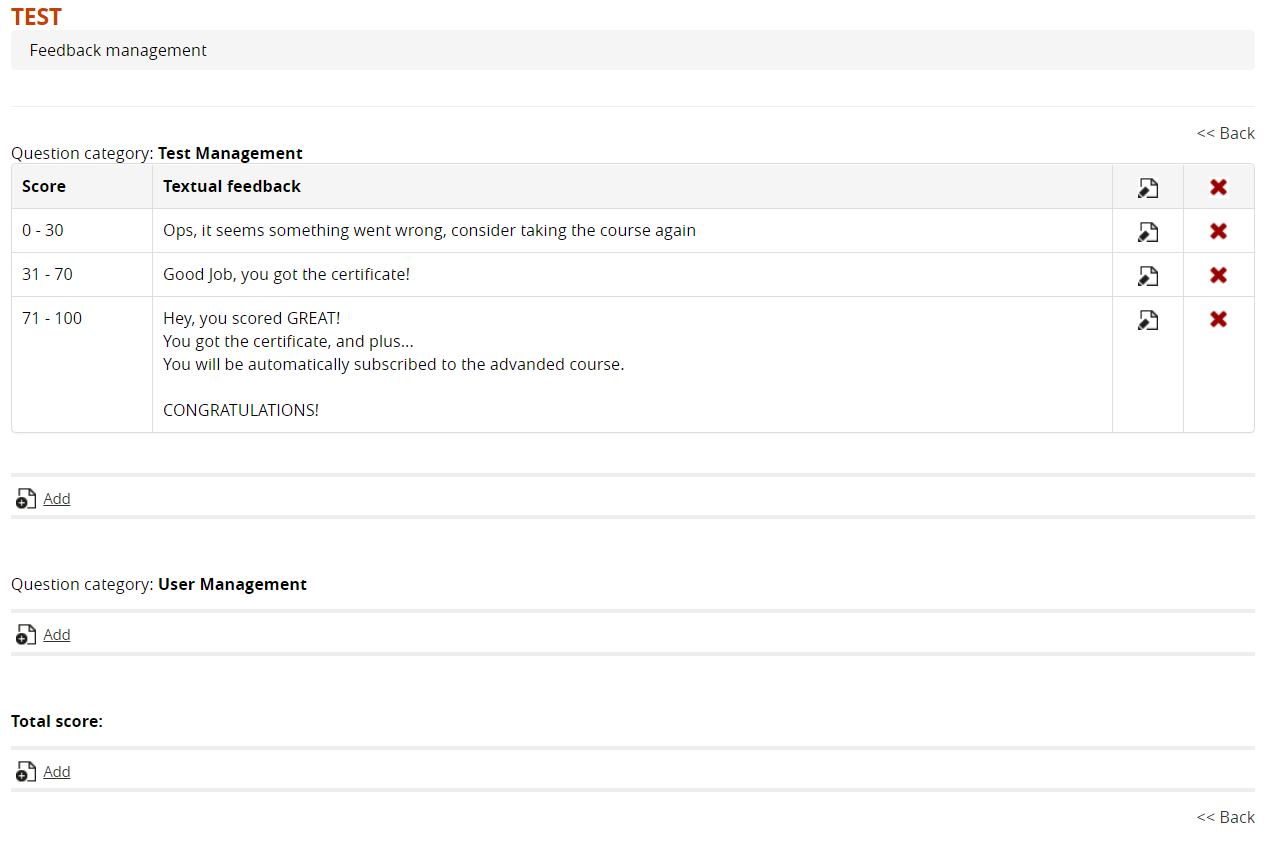
Insert Feedback